










Read stock value, low-stock and purchasing indicators within a clearly understood operational scope.
Before you start
- Confirm product costs and minimum levels.
- Apply the relevant list filters before exporting.
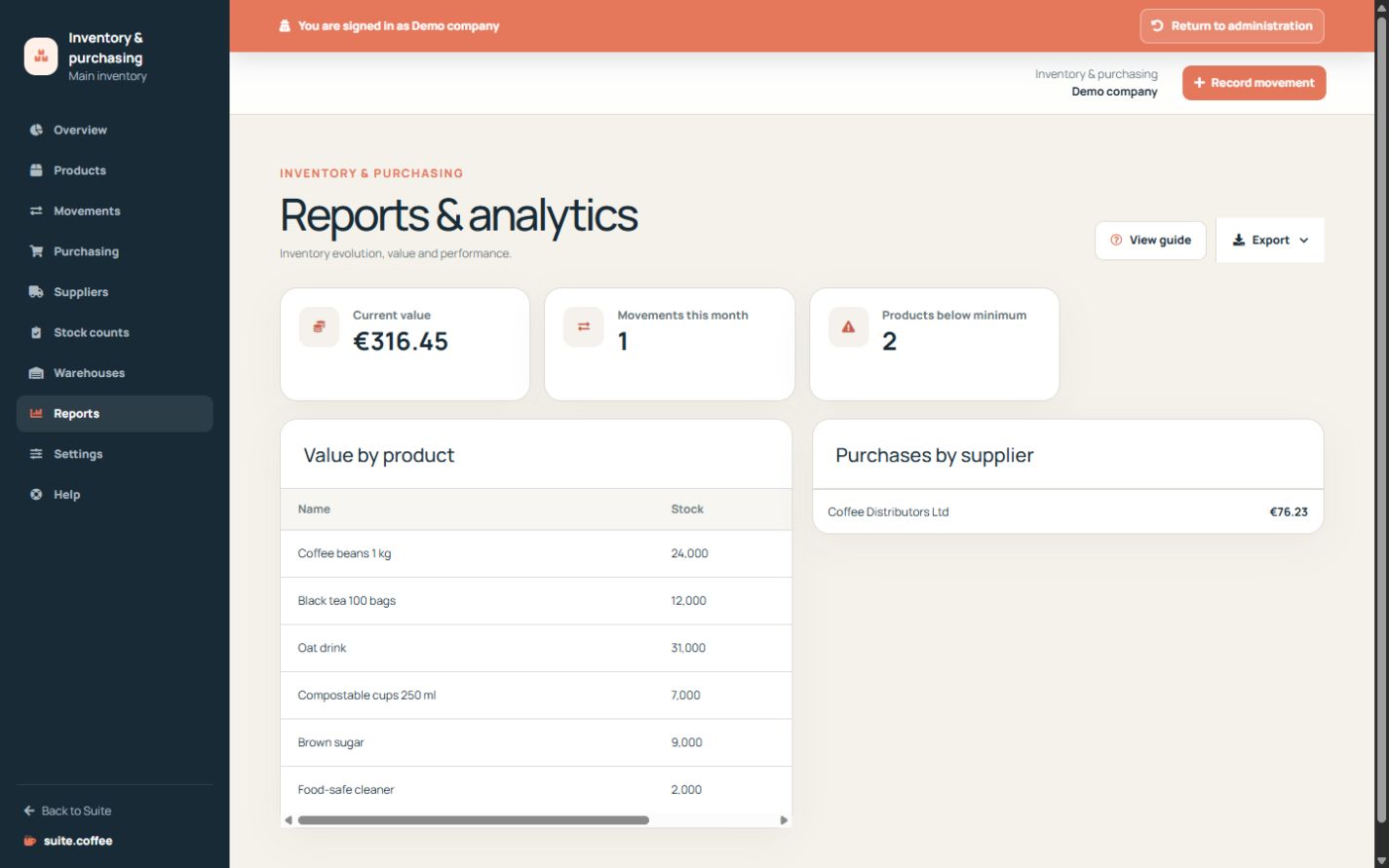
Interpret current stock
Valuation combines current quantities with stored product costs. Low-stock indicators compare balances with configured minimums; they do not reserve stock or create a purchase automatically.
Review movement and purchasing history
Use movement trends and supplier order totals for operational analysis. Purchase totals exclude cancelled orders but are not accounting expenses, paid invoices or cash movements.
Export the intended scope
Apply list filters before choosing one of the supported formats. An export is a point-in-time copy and does not replace the immutable movement and receipt records.
Step by step
- Open Reports.
- Review current stock value and monthly movement count.
- Inspect products below minimum.
- Compare value by product and purchases by supplier.
- Export the intended filtered scope from its list or report.
Final check
- Costs and balances underlying the indicators are current.
- Cancelled purchases are not treated as operational spend.
- The export is understood as a point-in-time copy.
Tip: Investigate the source movement or order before acting on an unexpected aggregate.