










Post the real quantity change with the correct type, product, locations and date.
Before you start
- Identify whether stock enters, leaves or transfers.
- Verify the product and available origin balance.
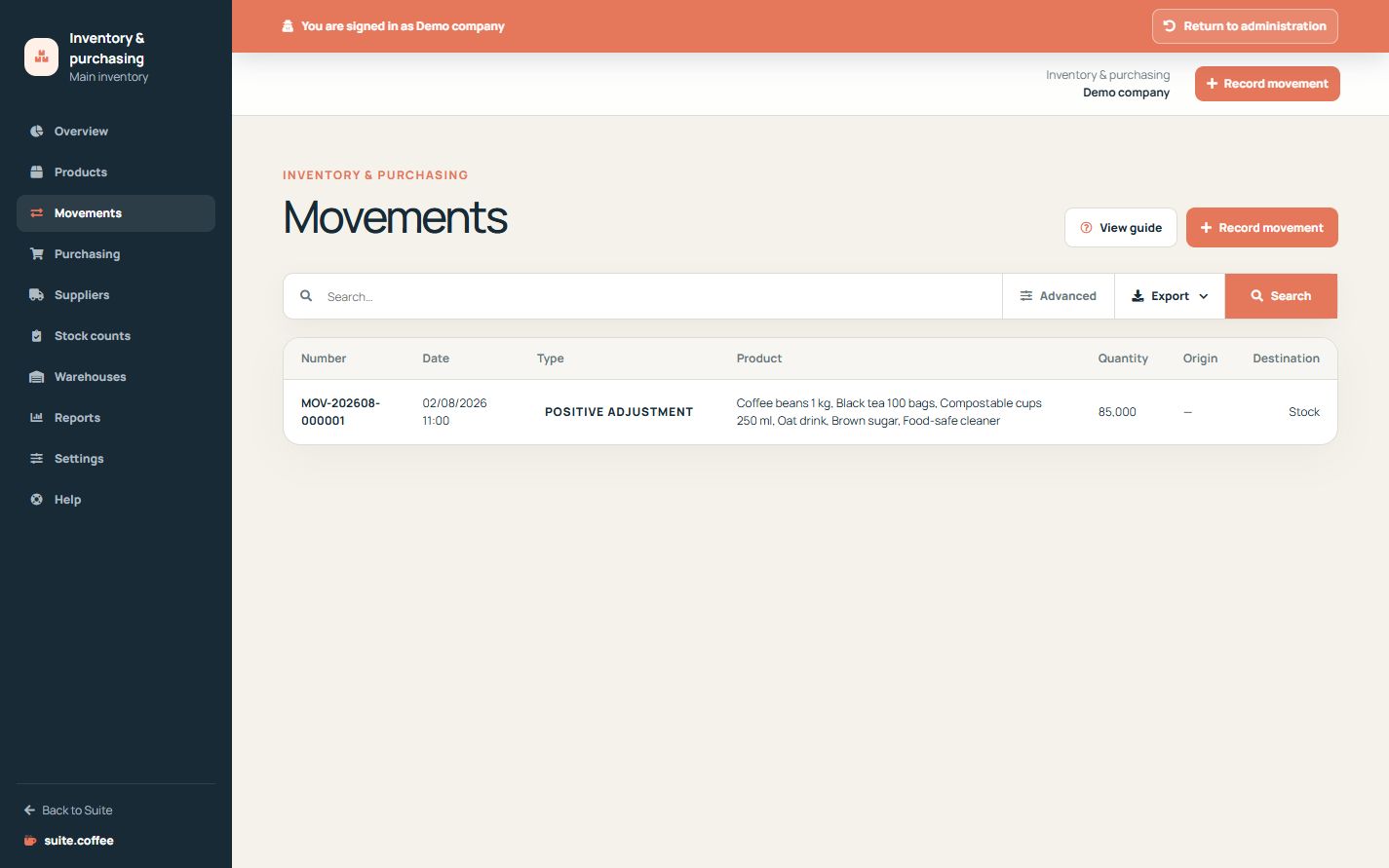
Choose the real operation
Use incoming or outgoing adjustment, transfer, issue, customer return or supplier return. Incoming operations need a destination, outgoing operations need an origin and transfers require two different active locations.
Validate available stock
Posting updates balances transactionally. Item blocks a negative result unless it is explicitly allowed globally or for that product.
Preserve posted history
Posted movements are immutable records with number, date, actor, locations, quantities and cost snapshot. Correct a mistake with a new compensating movement; do not rewrite the original.
Step by step
- Open Movements and choose Record movement.
- Select the operation type and product.
- Enter quantity and occurrence date.
- Choose the required origin, destination or both.
- Save and open the generated movement to verify it.
Final check
- Direction and locations match reality.
- The quantity does not create an unauthorised negative balance.
- The posted record contains the expected cost snapshot.
Tip: Correct an error with a compensating movement instead of rewriting posted history.