










Create reusable product records without confusing configuration values with available stock.
Before you start
- Prepare name, SKU, unit and tracking method.
- Define realistic cost, minimum and target stock.
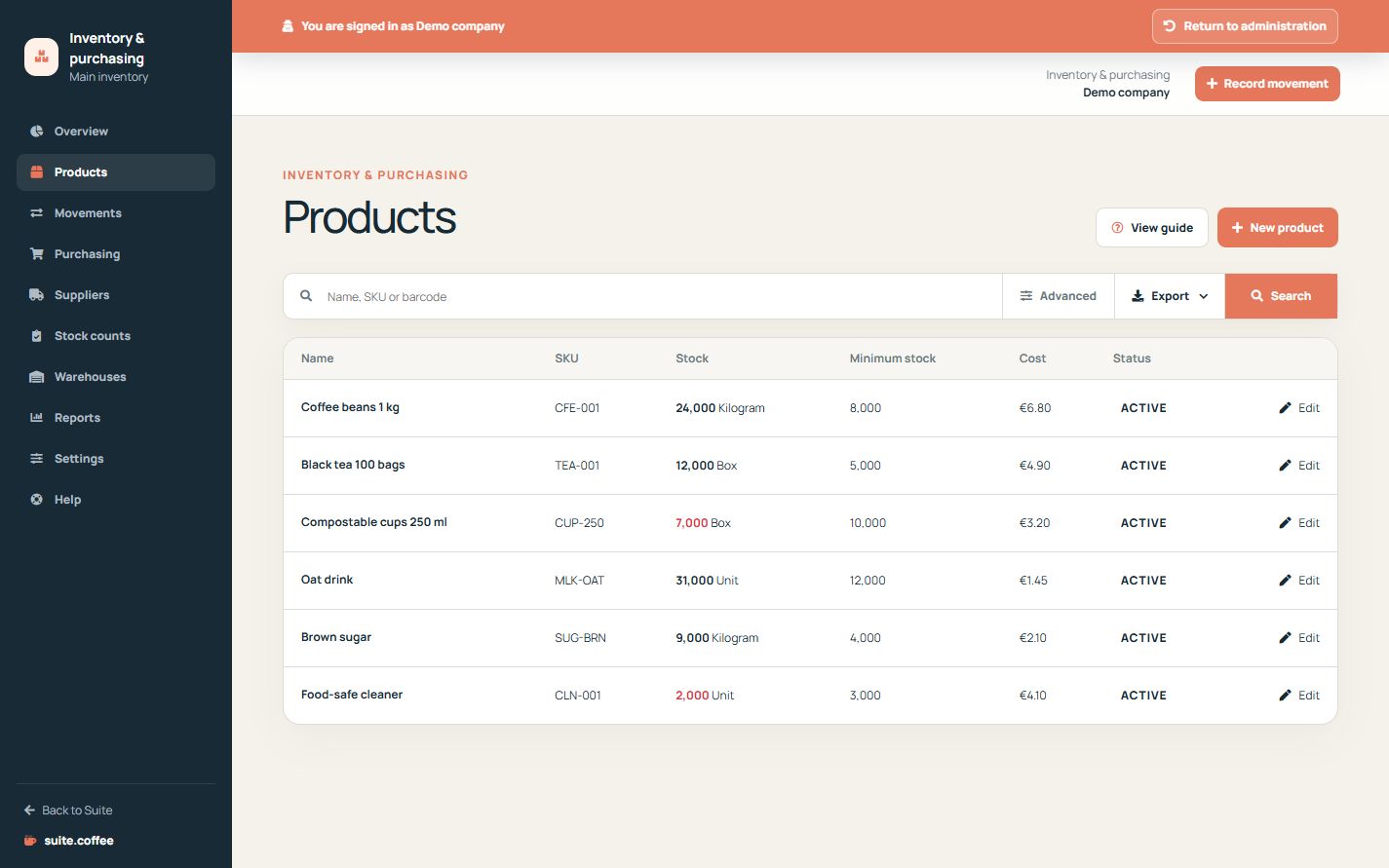
Create the shared catalogue reference
Name, SKU, description, sale price, tax and currency belong to the organisation catalogue. Item adds unit, tracking, cost, barcode, minimum and target stock and whether this product may go negative.
Choose tracking before operating
Use quantity tracking for ordinary stock or lot tracking when each receipt must identify a batch. A lot-tracked purchase receipt cannot be posted without its lot code.
Do not edit balances from the product
Minimum and target values drive alerts; they are not stock quantities. Record opening stock, corrections, issues and returns as movements so the balance remains traceable.
Step by step
- Open Products and search by name, SKU or barcode.
- Create or edit the product identity and commercial values.
- Choose unit and quantity or lot tracking.
- Set cost, minimum, target and negative-stock exception.
- Save; use a movement to change the actual balance.
Final check
- SKU and barcode identify the intended product.
- Tracking is selected before receiving stock.
- Minimum and target values are not mistaken for quantities.
Tip: Record every balance change as a movement so its origin remains auditable.