










Compare observed and expected quantities and turn only reviewed differences into traceable adjustments.
Before you start
- Choose a quiet count date and the correct warehouse.
- Ensure all relevant stock operations have been posted.
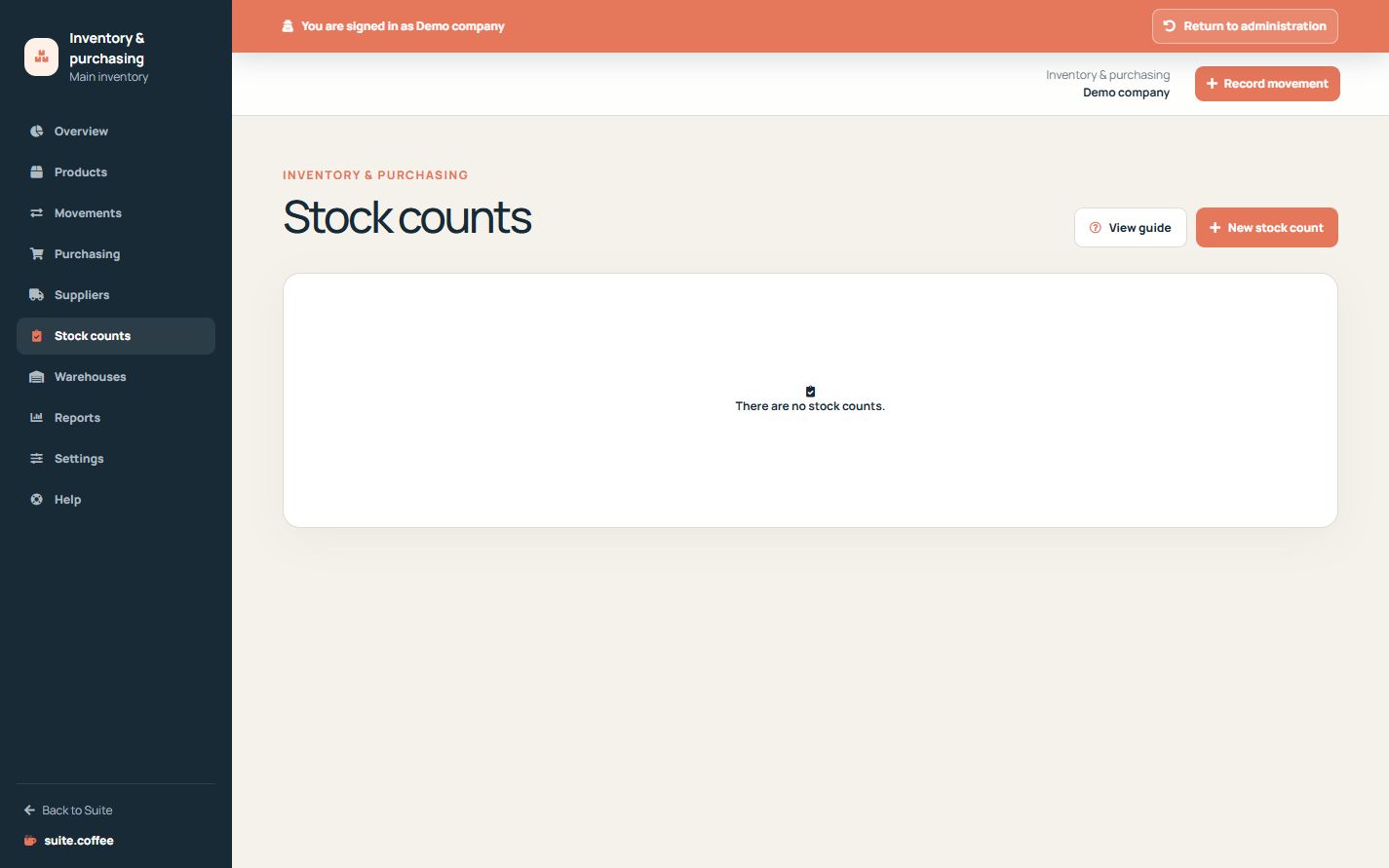
Start the count
Select a warehouse and count date. Item creates lines for the stock positions to be checked without changing their current balances.
Review before applying
Enter observed quantities and move the count from counting to review. Compare expected, counted and difference values before confirmation.
Apply differences once
Applying a reviewed count creates incoming or outgoing adjustment movements for non-zero differences and marks the count as applied. It does not overwrite balances directly and an applied count cannot be applied again.
Step by step
- Open Stock counts and create a count.
- Select warehouse and count date.
- Enter every observed quantity.
- Review expected, counted and difference values.
- Apply the reviewed count once to generate adjustments.
Final check
- Every line has been physically checked.
- Unexpected differences were investigated.
- Applied adjustments correspond only to non-zero differences.
Tip: Pause or coordinate stock movements during the physical count to avoid comparing different moments.