










Prepare, send and receive purchase orders according to what the supplier actually delivers.
Before you start
- Create the supplier, products and destination warehouse.
- Confirm quantities, costs, taxes and expected date.
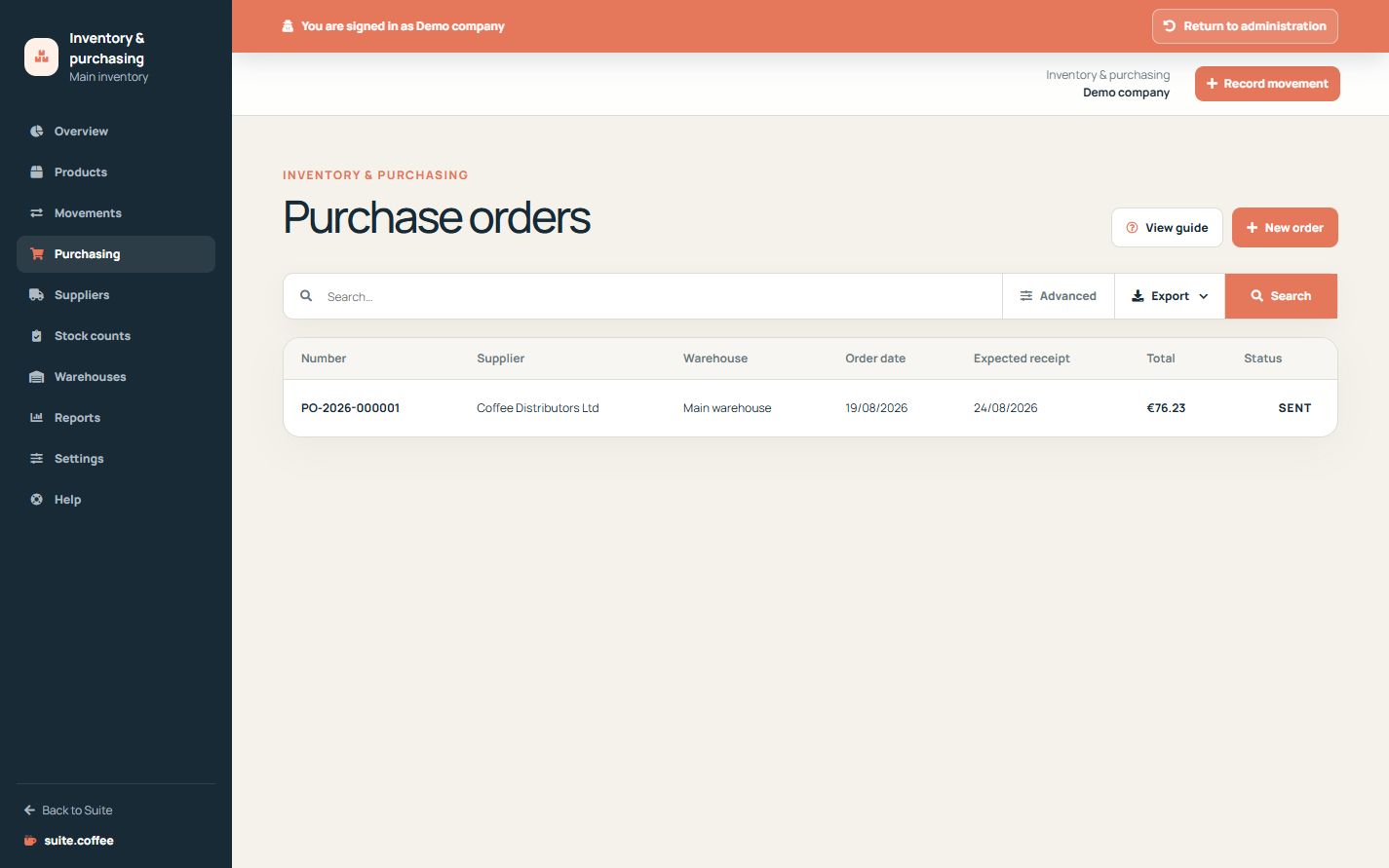
Prepare the draft
Select supplier, destination warehouse, dates and product lines. The order takes a currency snapshot and can be edited only while it remains a draft.
Send and receive progressively
Sending locks the commercial lines and enables receipt. Each receipt must contain a positive quantity no greater than the remaining amount. The order stays partially received until every line is complete.
Post the stock evidence
A receipt creates its own numbered document and a posted stock movement into the warehouse internal location. Lot-tracked products require a lot code and may include expiry. A purchase order or receipt does not pay the supplier or create a supplier invoice.
Step by step
- Open Purchasing and create an order.
- Select supplier, warehouse, dates and product lines.
- Review amounts, then mark the draft as sent.
- Open Receive when goods arrive.
- Post only delivered quantities and required lot data.
Final check
- The sent order reflects the agreed lines.
- No receipt exceeds the remaining quantity.
- Receipt generated the expected stock movement.
Tip: A receipt updates stock but does not pay the supplier or create a supplier invoice.