










Maintain supplier identities that can be reused in purchasing without duplicating organisation records.
Before you start
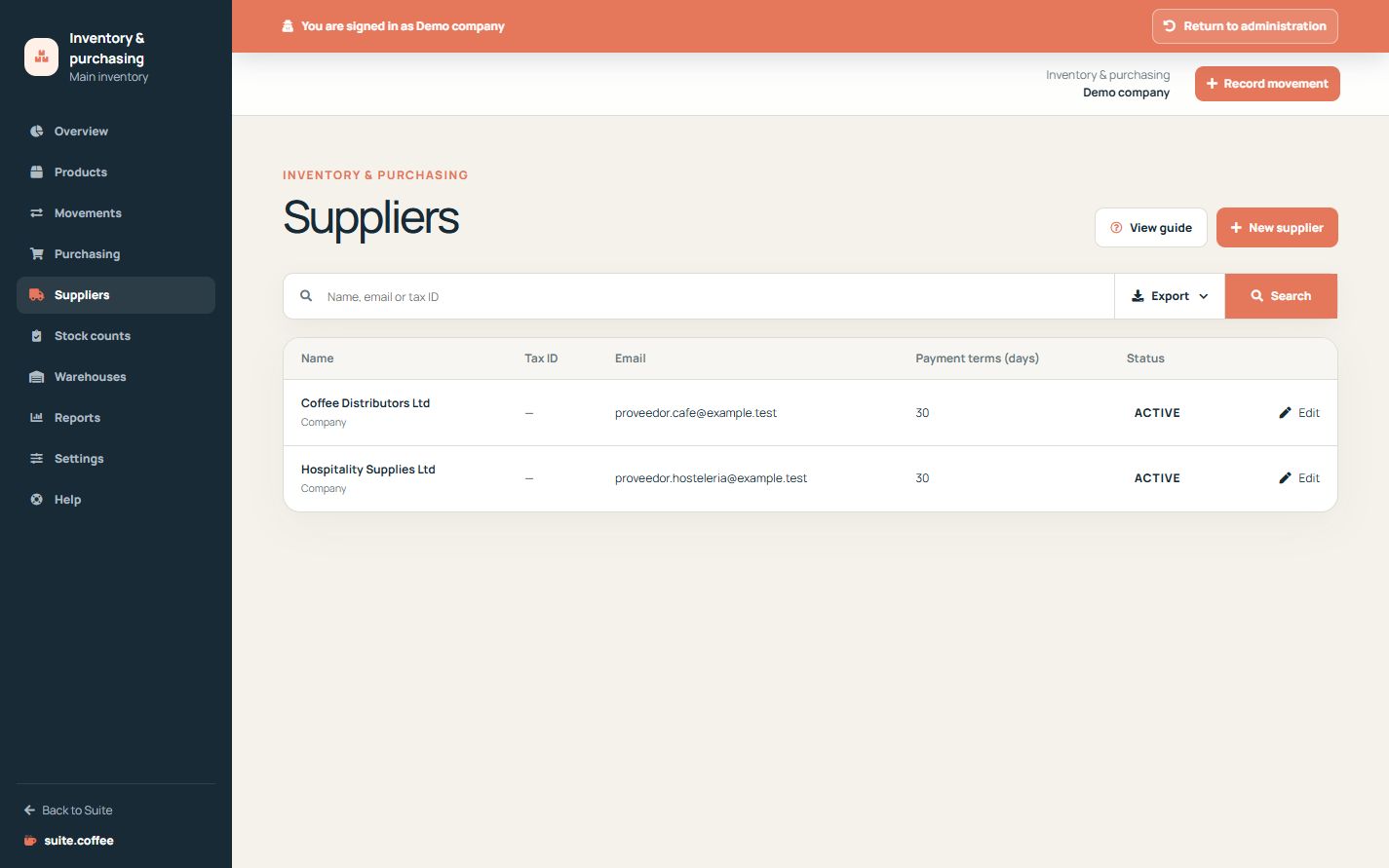
- Search for the supplier by name, email or tax ID.
- Collect current contact and purchasing details.
Understand the shared record
A supplier is an organisation customer or company record with the supplier role enabled for Item. Verify an existing identity before creating another one.
Maintain purchasing details
Keep contact, tax and address information accurate so purchase orders identify the intended supplier. Deactivation preserves linked orders and history.
Respect service boundaries
Item uses suppliers for operational purchasing. It does not manage accounts payable, supplier invoices, bank reconciliation or payment execution.
Step by step
- Open Suppliers and search before creating.
- Choose person or company and enter the legal identity.
- Add contact, address, language and payment terms.
- Save and use the supplier in purchase orders.
- Deactivate obsolete suppliers without deleting history.
Final check
- No duplicate shared identity was created.
- Tax and contact details are current.
- Linked purchase history remains available.
Tip: Item manages operational suppliers, not accounts payable or payment execution.